Administration
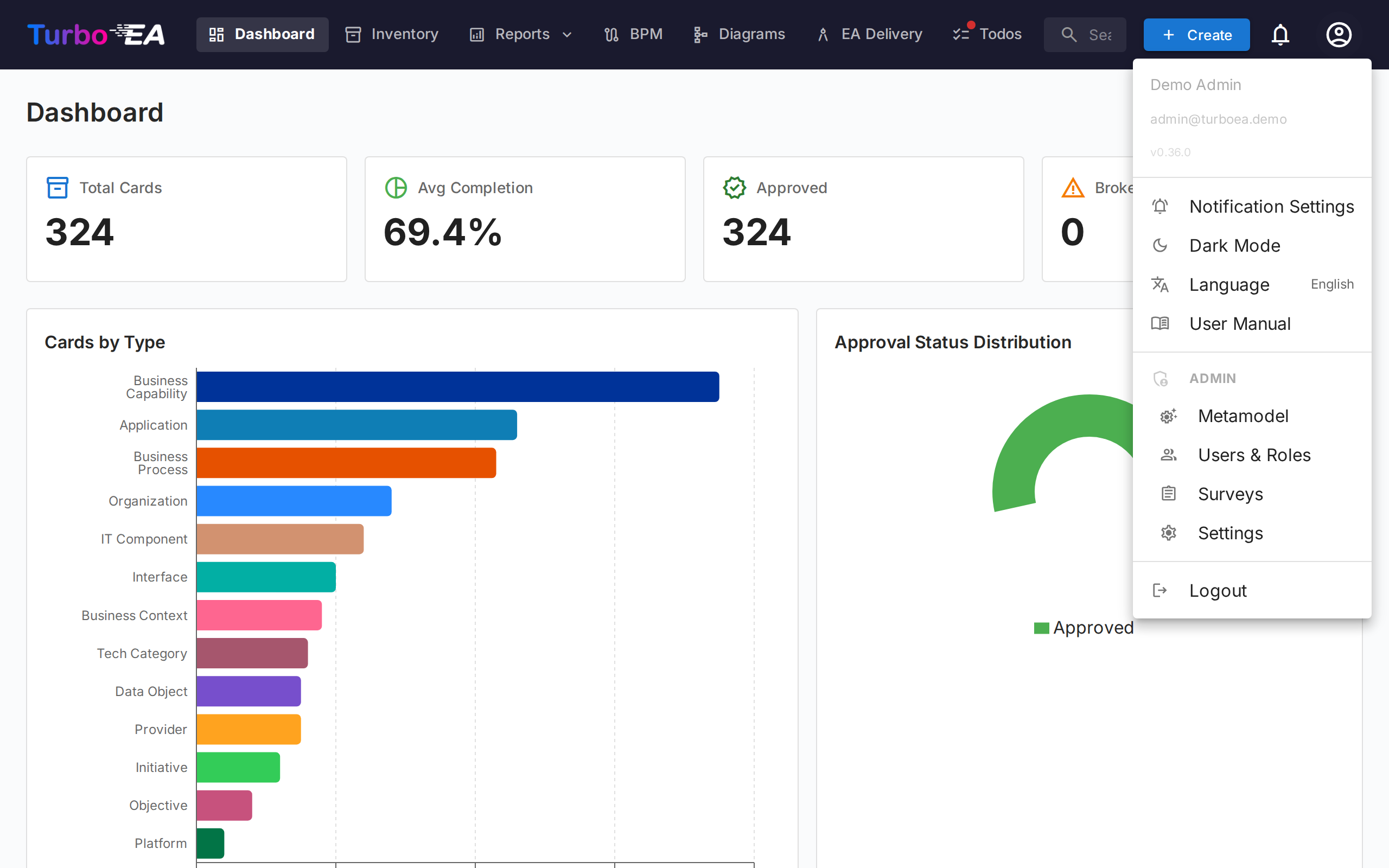
The Admin section is available to users with the Admin role. It provides tools to configure the platform's data model, user access, integrations, and system-wide settings.
| Page | Description |
|---|---|
| General Settings | Appearance (logo, favicon, currency), enabled languages, fiscal year, email (SMTP), and module toggles (BPM, PPM, GRC) |
| Metamodel | Card types, fields, sections, subtypes, relation types, calculations, tags, EA principles, and the metamodel graph |
| Calculations | Admin-defined formulas that automatically compute field values when cards are saved |
| Tags | Tag groups and tags for flexible categorization of cards |
| Users & Roles | User management, app-level roles, and permission configuration |
| Authentication & SSO | Single Sign-On configuration (Microsoft Entra ID, Google, Okta, Generic OIDC) and invitation workflows |
| AI Capabilities | AI description suggestions powered by LLMs (Ollama, OpenAI-compatible providers) with web search context |
| MCP Integration | Model Context Protocol server for AI tool access (Claude Desktop, Copilot, Cursor) |
| API Reference | Live OpenAPI 3 spec embedded in the user manual (no backend instance required), plus authentication, permissions, and code-generation tips |
| End-of-Life (EOL) | Mass EOL data linking from endoflife.date to technology cards |
| Surveys | Data-maintenance surveys targeting specific card types and stakeholders |
| Web Portals | Public, read-only portals accessible without authentication |
| ServiceNow Integration | Bi-directional sync between Turbo EA cards and ServiceNow CMDB |
| Extension Store | Install vendor-signed extensions, apply licences, and manage what is installed |